
9 Signs You're Shopping on a Fake Online Store
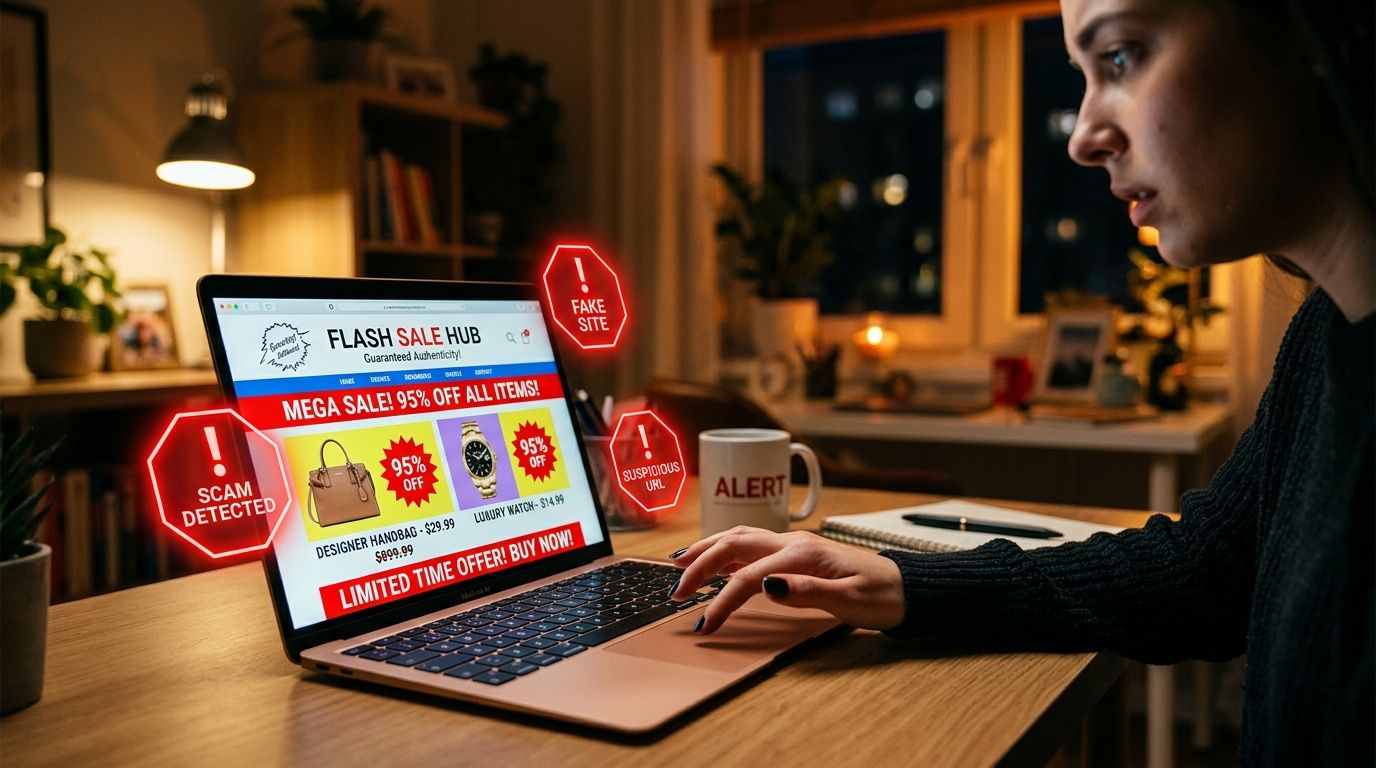
Fake online retailers build convincing digital storefronts to steal your cash during checkout. Recognizing fake online store warning signs helps you avoid losing money to fraudulent merchants. While previous guides covered general website security, this breakdown focuses on the actual shopping experience. Pay close attention to what happens while you browse products and enter your payment details. Subtle glitches during checkout often reveal a criminal operation before you send money. Learning how to tell if an online store is fake saves your hard-earned savings. Use these practical checks to shop with total confidence today.
1. Why do the product photos look identical to other websites?
Fake shopping sites rarely photograph their own inventory because they do not own the items. Instead, they scrape high-quality product photos from legitimate retail sites or wholesale catalogs. You might notice pristine studio shots without any natural background variations or secondary angles. If you see stock images with different lighting or watermarks from other brands, pause. You can right-click any product picture on your computer and run a reverse image search. If the exact picture appears across dozens of unrelated discount shops, you are looking at fake shopping website signs.
2. Why are the product sizing charts and descriptions confusing?
Authentic clothing brands and specialty retailers take time to write accurate product measurements. Fake storefronts copy text from automated translation software or completely different apparel categories. You might encounter a coat description that suddenly talks about shoe sizes or kitchen hardware. Sizing charts might list impossible measurements or mix centimeters and inches in a confusing mess. Criminals rush to launch hundreds of fake pages at once, so they rarely proofread product details. When a merchant provides nonsensical item specifications, close the browser tab immediately.
3. Why does the checkout page redirect to a different website?
Pay close attention to your browser address bar when you click the checkout button. Legitimate businesses process payments directly on their secure domain or through trusted payment portals. Scammers often redirect your browser to an entirely different web address to capture your card details. You might start on a clothing shop and suddenly end up on a strange web page address. This sudden domain jump means the original store lacks legitimate merchant processing systems. Never enter your credit card number on a payment page that does not match the store name.
4. Why is the checkout page missing an itemized total?
Safe shopping carts always show a clear, itemized order summary before you enter payment details. You should see the exact item price, calculated sales tax, and specific shipping costs clearly displayed. Fraudulent checkout screens frequently hide these details or display a blank order total. Some fake carts keep the final amount hidden until after you submit your credit card details. This trick allows dishonest operators to add surprise fees or process the charge in a foreign currency. If a store refuses to display a complete, itemized cost breakdown, abandon your order.
5. Why are the payment options suddenly limited at checkout?
Legitimate retailers partner with established credit card networks and trusted digital wallets to process customer payments. Fake stores often display official credit card logos on their homepage to gain your trust. However, when you reach the actual payment screen, those standard card options disappear. The site might force you to use untraceable peer-to-peer payment apps or wire transfers. Criminals prefer these alternative payment methods because transactions cannot be reversed once completed. When a shop drops standard card options during final checkout, walk away from the sale.
6. Why are the shipping policies vague or processing times indefinite?
Honest merchants provide clear delivery timeframes and name their specific shipping carriers during checkout. Fake retail sites use vague language like standard processing without providing estimated arrival dates. They might state that items take up to eight weeks to leave their warehouse. Scammers write these extended processing terms to delay your suspicion while your bank dispute window closes. They hope you will wait months for a package that was never shipped in the first place. Clear, predictable shipping terms are a mandatory requirement for any safe online purchase.
7. Why does the store sell totally unrelated product categories?
Legitimate online stores usually specialize in a specific niche, such as outdoor gear or handmade jewelry. Scammers build massive, generic storefronts stocked with hundreds of trending products stolen from popular ads. You might see a site selling designer handbags right next to power tools and pet toys. This chaotic inventory mix proves the operator does not maintain actual warehouse stock. They simply scrape popular product listings to lure shoppers looking for hot deals. A boutique that sells everything under the sun is almost certainly a fraudulent setup.
8. Why do the live viewing counters look fake or reset constantly?
Fraudulent store builders use cheap code scripts to create a false sense of urgency while you shop. You might see pop-up banners claiming twenty people are viewing the same item right now. Other widgets display constant notifications that someone in another city just purchased the product. You can easily test if these urgency counters are authentic by refreshing your web page. If the counter resets to the exact same starting number, the code is completely fake. Artificial pressure tactics exist solely to force hasty purchases before you notice other red flags.
9. Why is there no order confirmation email after you purchase?
Real shopping systems generate an automatic email receipt within seconds after a payment completes. This receipt contains your unique order number, itemized totals, and customer support contact details. When you buy from a scam site, you will rarely receive a legitimate confirmation message. Instead, you might receive a blank email or a strange message from a generic web address. Sometimes no communication arrives at all, leaving you completely in the dark. A complete breakdown in post-purchase communication proves that you interacted with an illegitimate business.
What to Do If You Already Placed an Order
If you realize you purchased from an illegitimate shop, act fast to secure your money. Contact your credit card company or bank immediately to report the unauthorized or suspicious charge. Tell your bank that the merchant appears fraudulent and ask them to issue a new card. Monitor your online banking account daily to see if the pending charge actually posts. If the payment clears and no item arrives, file a formal chargeback dispute with your financial institution. Prompt action gives your bank the best chance to recover your stolen funds safely.
Verify Online Stores Before You Buy
Spotting fake shopping sites comes down to paying attention to details during checkout. Unusual redirects, missing order summaries, and strange inventory combinations reveal dishonest merchants quickly. You do not have to guess whether an unfamiliar online retailer is trustworthy. We built a free digital security tool to help you shop without fear.
You can test any suspicious shopping link using the VastOutlet Threat Rating Engine at https://www.vastoutlet.com/rating-engine before entering your payment details. For extra protection, read our companion guide on site-level security checks to spot fake websites before adding items to your cart. Taking a few seconds to verify a store keeps your hard-earned money completely safe.
Worried this happened to you?
Our Threat Rating Engine can analyze suspicious URLs, email addresses, or cryptocurrency wallets associated with potential scams.
Scan suspicious linkarrow_forwardProtecting Your Digital footprint
Once you have identified these threats, taking immediate action is essential. Do not delay banking checks or changing passwords. By locking down your account security policies and setting up credit monitoring blocks, you can completely isolate yourself from modern credential-harvesting networks.