
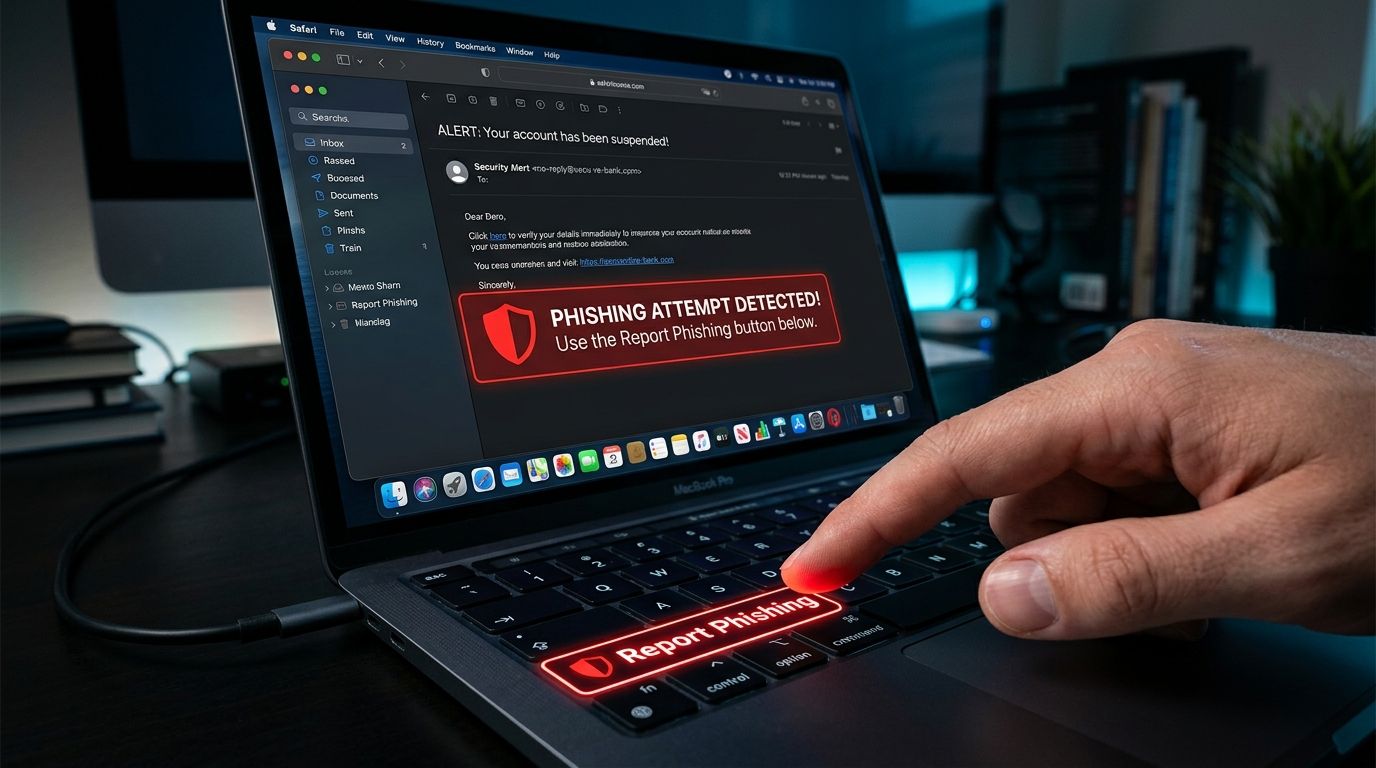
How to Report a Phishing Email (And Why You Should Always Do It)
Learning how to report a phishing email is one of the most effective ways to protect your digital identity online. Most people simply hit delete when a fake message lands in their primary inbox. Deleting a dangerous message protects your personal computer, but it leaves the sender free to target others. Taking ninety seconds to flag the message helps security filters block the threat for millions of users.
When you report digital fraud, you disrupt the infrastructure that criminals rely on to steal credentials. Cybercriminals send thousands of identical messages hoping a few recipients will click a malicious button. Flagging these fake alerts creates immediate security records that help email providers update their defenses. Your quick response turns a personal nuisance into a powerful community defense.
Why Reporting Actually Matters
Reporting fraudulent messages does far more than clean up your personal email account. When you mark a message as junk or phishing, your email provider analyzes the hidden technical headers. These digital headers contain sender addresses, server locations, and routing details that expose fraudulent sender networks. Email systems use this information to update automated spam filters for all subscribers globally.
Your individual report also alerts law enforcement and consumer protection regulators to active fraud campaigns. Government security agencies monitor incoming fraud reports to identify active criminal networks and shut down malicious servers. When thousands of victims report similar fake messages, authorities can issue public safety warnings. These coordinated efforts reduce overall cybercrime and make the internet safer for everyone.
Finally, sending reports directly to impersonated businesses allows corporate security teams to take rapid legal action. Major companies continuously fight fake web portals that clone their brand logos and login forms. When you forward fake messages to official security desks, corporate investigators can remove fraudulent domains swiftly. Your single report gives companies the exact evidence needed to dismantle fake websites.
Where to Report a Phishing Email
Knowing where to report phishing ensures your warning reaches the right security teams quickly. Your first step should always be using the built-in reporting options inside your email application. Major email providers like Gmail, Outlook, Yahoo, and Apple Mail feature dedicated reporting buttons. Clicking these built-in options automatically packages the necessary technical header data and submits it to security engineers.
Next, consider forwarding the suspicious message to the legitimate business or organization being impersonated. Most financial institutions and retail companies maintain dedicated abuse email addresses for security reports. You can usually find these contact details on official corporate websites under their security or help sections. Forwarding the complete message allows corporate brand protection teams to issue takedown requests against fake login pages.
You should also submit reports to national consumer protection agencies and anti-fraud registries. In the United States, you can submit a phishing report FTC filing through reportfraud.ftc.gov. Residents in the United Kingdom can submit fraudulent alerts directly to Action Fraud or forward emails to report@phishing.gov.uk. These government registries collect national fraud data to track emerging digital threats and prosecute criminal rings.
If you want an extra layer of analysis, you can also submit suspicious messages to our team. You can upload suspicious links or email details directly through the VastOutlet report portal at https://www.vastoutlet.com/report-scam. Our automated threat engine analyzes the domain structure to help protect our user community from active digital traps. Using multiple reporting channels ensures that security networks receive your warning immediately.
What NOT to Do With a Phishing Email
Knowing how to handle a report a scam email situation requires avoiding common mistakes that expose your personal data. Never reply directly to a suspicious message, even to express anger or ask the sender to stop. Replying confirms that your email address is active and monitored by a real person. Scammers will immediately add your address to high-value targeting lists for future fraud campaigns.
Do not click any unsubscribe links hidden inside a suspicious email message. Fake unsubscribe buttons are a common trick used to direct your browser to malicious websites. Tapping these links can download background software or confirm your active reader status to online thieves. Always leave suspicious buttons untouched and use your browser controls to close suspicious tabs immediately.
Finally, avoid forwarding dangerous emails to friends or family members as an unformatted warning. If you forward a raw scam message, your friends might accidentally click the active links inside. If you want to warn loved ones, copy the text into a fresh document and remove all live web addresses. Sharing plain text warnings keeps your network informed without exposing their personal devices to harm.
Help Stop Digital Theft Today
Taking two minutes to report fraudulent messages creates a safer online environment for everyone. When you flag dangerous messages, you actively participate in defeating organized digital crime. Every report helps update global security filters, dismantle fake web portals, and protect vulnerable users from asset loss. Developing this simple habit takes minimal effort but delivers immense value to the community.
You do not need to deal with suspicious messages alone or guess whether a link is safe. If you encounter a suspicious message, report it through official channels and share the details with us. Submit unverified web addresses or fake alerts to the VastOutlet report system at https://www.vastoutlet.com/report-scam today. Taking fast action protects your hard-earned money and keeps our digital community safe.
Worried this happened to you?
Our Threat Rating Engine can analyze suspicious URLs, email addresses, or cryptocurrency wallets associated with potential scams.
Scan suspicious linkarrow_forwardProtecting Your Digital footprint
Once you have identified these threats, taking immediate action is essential. Do not delay banking checks or changing passwords. By locking down your account security policies and setting up credit monitoring blocks, you can completely isolate yourself from modern credential-harvesting networks.