
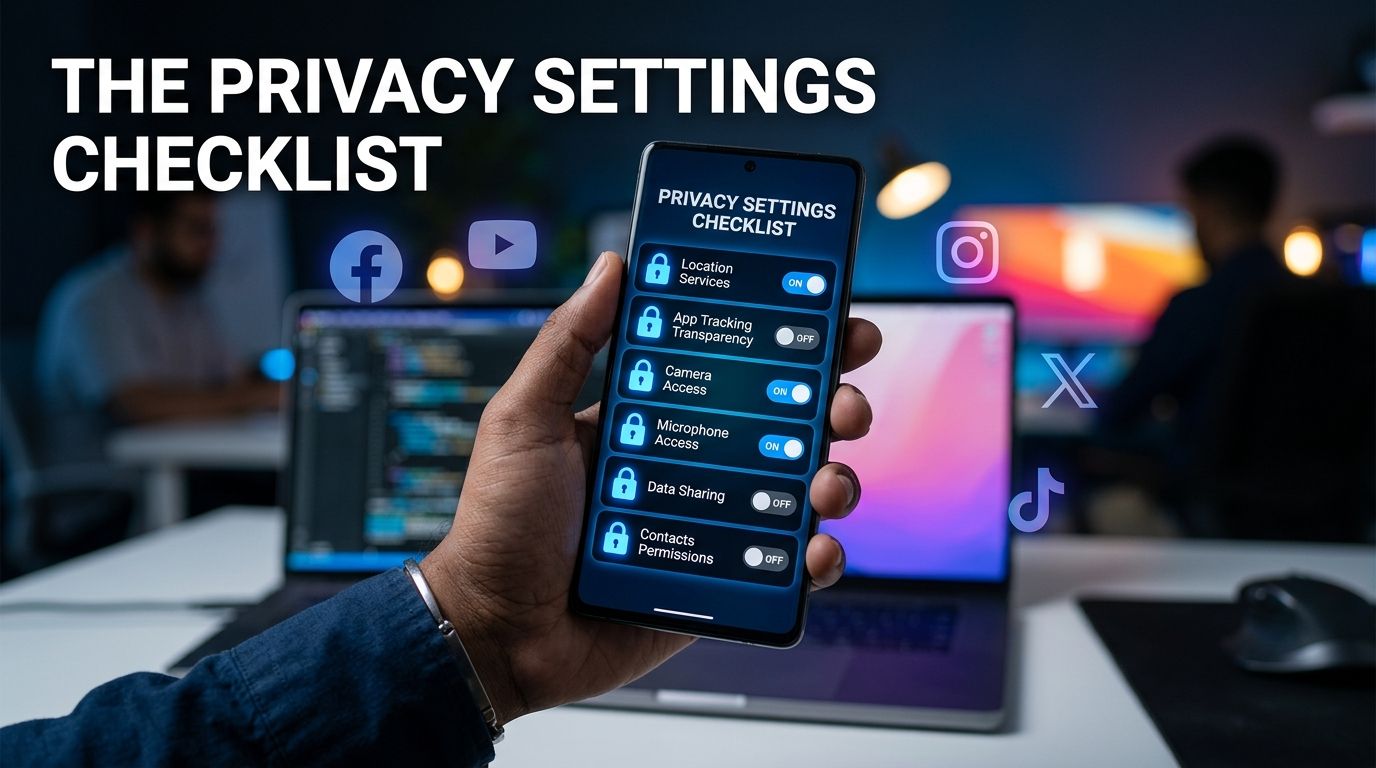
The Privacy Settings Checklist You Should Update on Every Platform
Updating your social media privacy settings is one of the fastest ways to protect your personal identity from digital thieves. Most online networks configure new accounts with open, public defaults to encourage maximum sharing. Everyday users rarely inspect these default permissions, leaving their personal schedules, family photos, and home locations exposed.
Digital imposters gather these public details to craft convincing phishing messages and answer security questions on banking sites. Auditing your personal security preferences across every active account removes this unintended visibility. This guide explains the core controls to adjust on any platform without requiring complex technical knowledge.
Who Can See Your Profile and Posts on Your Accounts?
Evaluating who views your published content is the foundational step in securing your digital presence. Most networks default to public visibility, meaning anyone on the web can inspect your photos and past updates. Switching your main account status from public to private ensures only approved friends can see your activity.
Adjusting this main visibility toggle stops automated data scraping tools from indexing your personal history. Scammers use automated software to index millions of public profiles for target selection. When your profile remains private, these scraping tools cannot harvest your images or copy your friend lists.
You should also review visibility rules for past updates alongside your current posts. Changing your account status today might not automatically restrict older photos published under previous public settings. Look for an option in your security controls that limits past post visibility to existing contacts only.
Taking time to limit past visibility prevents strangers from studying your historic location data and daily habits. If you wonder who can see my posts, checking these visibility menus provides total control over your audience. Restricting your audience stops unverified strangers from building detailed profiles about your personal routines.
What Personal Details Are Visible to Strangers on Social Media?
Your main profile page often displays sensitive biographical information without your explicit awareness. Standard account forms request your full legal name, exact birth date, home city, high school, and employer. Leaving these personal fields open to the public provides criminal rings with the exact keys needed for identity theft.
Imposters use your birth date and hometown to guess Social Security details and unlock financial portals. They can also use your current employer to craft fake workplace emails asking for urgent money transfers. Inspect your main profile view as an unverified stranger to see which details remain exposed.
Remove your full birth year from public display and show only your birth month and day if necessary. Better yet, hide your birth date entirely so only you can view that private detail. Clear out listed phone numbers, personal email addresses, and specific residential neighborhoods from your public bio.
Adjusting these public profile fields forms one of the most effective social media privacy tips for daily protection. Minimizing public biographical data stops identity thieves from building accurate dossiers on your life. Keeping your core personal data offline protects your real-world identity from automated fraud schemes.
Who Can Contact You and Tag You on Your Profiles?
Controlling how unfamiliar users reach your inbox stops aggressive phishing attempts before they land. By default, most platforms allow any registered user to send direct private messages to your main account. Fraudsters use open messaging rules to send fake investment offers, malware links, and compromised shopping links directly.
Navigate to your communication controls and restrict incoming messages to existing friends or contacts only. Set non-contact messages to filter into a hidden request folder that does not trigger push notifications. Filtering unverified messages prevents dangerous links from appearing on your primary phone screen during your busy day.
You must also manage tagging permissions to prevent scammers from associating your name with fraudulent promotions. Digital thieves tag hundreds of random users in fake gift card drawings and fake shopping ads. These public tags make your profile appear to endorse fraudulent schemes to your own friends.
Enable a setting that requires your personal approval before any tagged photo appears on your timeline. Requiring manual approval gives you full authority over which posts display your name to the public. Restricting tag permissions keeps your digital reputation clean and stops scammers from using your network.
How Do You Review Connected Apps and Login Access?
Over time, you likely clicked buttons that allowed external apps and quiz sites to access your profile. These third-party connections often retain broad permissions to view your friend lists, personal photos, and email addresses. Even if you stopped using a quiz app years ago, that external company might still hold active access keys.
Open your platform security tools to inspect the full list of authorized third-party applications. Revoke permissions for any mobile game, personality quiz, or external service you no longer use regularly. Removing unused external apps closes background pathways that could leak your personal records during corporate data breaches.
Next, inspect your active login sessions menu to see every device currently signed into your account. This menu displays the device type, browser name, and physical city location for every open session. If you see an unfamiliar phone model or an unknown foreign city, select the option to log out immediately.
Logging out unfamiliar sessions terminates unauthorized access and forces any intruder to enter credentials again. After ending suspicious sessions, update your account password immediately to lock out unauthorized users permanently. Completing these app and session audits ensures that only your trusted devices maintain account access.
How Do You Keep Your Social Media Privacy Settings Updated?
Digital networks frequently update their user interfaces and introduce new features that reset default preferences. Setting a recurring calendar reminder every three months ensures your protective controls stay aligned with your preferences. Taking ten minutes four times a year keeps your personal data hidden from evolving commercial tracking tools.
Learning how to make your social media private requires continuous attention rather than a single one-time update. When platforms launch new features, open your options menu immediately to confirm the default settings remain secure. Proactive maintenance prevents unexpected corporate updates from exposing your private family photos or location history.
Pairing strong account controls with careful browsing habits creates a complete defense against modern digital fraud. Before entering credentials or tapping unverified web links sent through private messages, verify the sender through independent channels. You can also analyze unverified links using digital security scanners to ensure your device stays protected.
You can test suspicious links or web addresses using our free VastOutlet Threat Rating Engine before opening them. Visit https://www.vastoutlet.com/rating-engine to scan suspicious web links and keep your personal identity secure today. Taking a few seconds to run a quick safety scan keeps your hard-earned assets completely safe.
Worried this happened to you?
Our Threat Rating Engine can analyze suspicious URLs, email addresses, or cryptocurrency wallets associated with potential scams.
Scan suspicious linkarrow_forwardProtecting Your Digital footprint
Once you have identified these threats, taking immediate action is essential. Do not delay banking checks or changing passwords. By locking down your account security policies and setting up credit monitoring blocks, you can completely isolate yourself from modern credential-harvesting networks.