
Why You Need Two-Factor Authentication (And How to Set It Up Today)
Completing a simple two factor authentication setup adds an essential layer of security to your private online accounts. Every single day, millions of stolen passwords circulate across public data markets following corporate network breaches. If you reuse passwords across multiple websites, a single leak can compromise your primary email and banking portals.
Adding a second verification step stops digital thieves from accessing your personal profiles. Even if a criminal uncovers your account password, they cannot log in without your physical device. This practical guide explains how two-step protection works in plain language. You will learn the easiest steps to secure your most important accounts today.
What Two-Factor Authentication Actually Does
Understanding what is two-factor authentication comes down to combining two different types of identification before granting access. The first layer is something you know, which is your personal account password. The second layer is something you physically possess, such as your personal mobile phone or a physical security key.
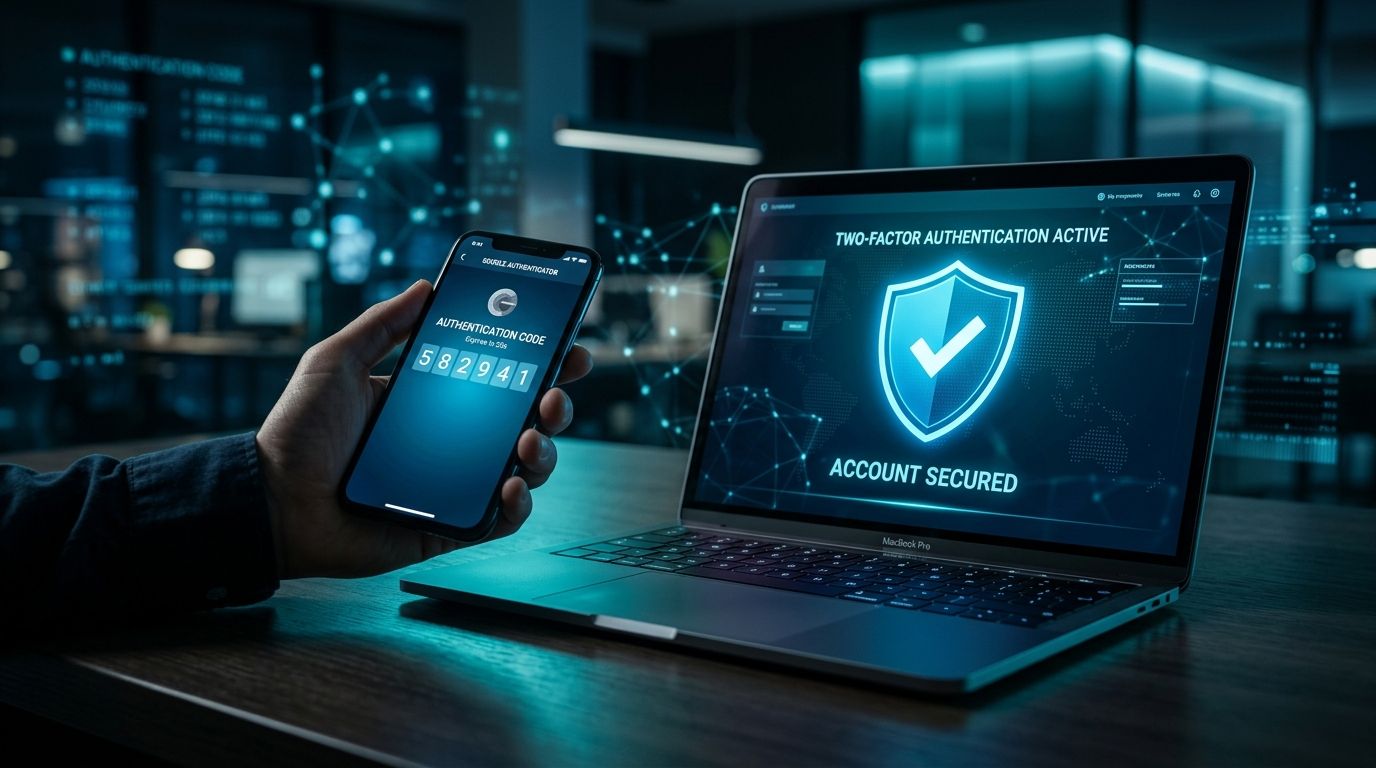
When you log into an account from a new computer, the system requests your standard password first. After you enter the correct password, the website prompts you for a second verification step. This second step usually requires typing a temporary six-digit code generated by a security application on your phone. Because a thief sitting in another country does not hold your physical phone, they remain locked out completely.
You can receive these security verification codes through three primary methods. The most basic method sends a text message to your mobile phone number with a numeric code. A stronger approach uses a security app on your phone that generates a new login code every thirty seconds. The most secure method uses a physical USB key that you plug into your computer to confirm your identity.
Text message verification codes offer basic defense, but clever thieves can intercept mobile phone signals using account transfer tricks. Security apps provide much stronger protection because the login codes stay inside your physical device. Physical security keys offer total protection against online phishing forms because they require a physical button tap. Switching from plain passwords to any second verification method reduces your overall risk instantly.
Where You Should Turn It On First
Securing every single online account at once can feel overwhelming when you are just starting out. You should focus your immediate efforts on securing your primary email inbox first. Your main email account acts as the master key to your entire digital identity. If a criminal gains access to your inbox, they can request password reset links for all your other accounts.
Your next priority should be securing your online banking and digital payment applications. Digital thieves actively target financial portals because they can transfer funds out within minutes. Protecting these accounts with a second verification step prevents unauthorized bank transfers even if your login credentials leak online. Major financial institutions offer these secondary security controls inside their standard account settings.
Finally, enable this extra security layer on your primary social media and cloud storage profiles. Hackers frequently steal social media accounts to impersonate victims and message their family members for money. Cloud storage accounts contain private family photos, personal identification documents, and sensitive financial records. Protecting these core services keeps your personal identity and private files safe from public exposure.
How to Complete Your Two Factor Authentication Setup
Learning how to set up 2FA is a simple process that takes under three minutes per account. Start by opening the security settings menu inside the specific web portal or mobile application you want to protect. Look for menu options labeled security, sign-in options, or two-step verification. The system will display options for receiving your secondary security login codes.
Choose the security app option rather than the text message option whenever possible for better security. The website will display a square barcode on your computer screen called a QR code. Open the security application on your mobile device, tap the option to add a new account, and point your camera at the screen. Your mobile security app will instantly pair with the website and begin generating fresh six-digit codes.
Type the current six-digit code shown on your phone screen into the website to complete the pairing process. The website will then display a series of single-use emergency recovery codes on your screen. You must save these backup codes in a private, secure location offline immediately. Print these emergency numbers on paper or write them down in a secure notebook that stays inside your home.
This straightforward process works almost identically across Google accounts, Apple IDs, major banking apps, and social networks. You only need to enter a secondary code when logging in from an unfamiliar computer or new mobile phone. Once you confirm a trusted device, the system remembers your browser so your daily login routine remains fast and effortless.
What to Do If You Lose Access
Many people worry about what happens if they lose their mobile phone or break their device. If your phone stops working, you will not be able to open your security app to view fresh codes. This potential lockout scenario is the exact reason why websites provide single-use emergency backup codes during setup.
If you lose your device, open the account login screen on your computer and enter your standard password. When the portal prompts you for your six-digit verification code, click the link labeled try another way or use recovery code. Type one of the paper backup codes you saved during setup to bypass the missing phone screen safely. Once inside your account, you can pair a new mobile device or temporarily disable the second verification layer.
Never store digital screenshots of your emergency backup codes in your standard email or unencrypted cloud folders. If a thief accesses your cloud storage, they could find your recovery codes alongside your saved passwords. Keeping your recovery codes written on paper inside your home ensures you can always regain access to your accounts safely. Taking this extra physical precaution removes the risk of getting permanently locked out of your digital life.
Protect Your Private Accounts Starting Today
Evaluating the 2FA vs password debate shows that reliance on passwords alone is no longer adequate for personal security. Digital thieves automate their attacks to test millions of stolen passwords against popular websites every single minute. Turning on a secondary verification step stops automated account takeovers before they can damage your personal finances.
Take five quiet minutes today to secure your primary email inbox using a security app on your phone. Once your email is secure, protect your main bank accounts and primary shopping portals using the same steps. Making this simple security adjustment protects your digital assets without adding frustration to your daily routine.
Developing strong digital habits requires combining account security with smart web browsing choices. Alongside setting up secondary verification controls, you should always verify unfamiliar links before entering your personal login details. You can test suspicious web addresses using our free VastOutlet Threat Rating Engine to keep your digital identity completely safe. Visit https://www.vastoutlet.com/rating-engine to scan unverified web links before clicking today.
Worried this happened to you?
Our Threat Rating Engine can analyze suspicious URLs, email addresses, or cryptocurrency wallets associated with potential scams.
Scan suspicious linkarrow_forwardProtecting Your Digital footprint
Once you have identified these threats, taking immediate action is essential. Do not delay banking checks or changing passwords. By locking down your account security policies and setting up credit monitoring blocks, you can completely isolate yourself from modern credential-harvesting networks.